
The platform, part by part
The quote flow from the first hello to the renewal date, and everything an agency runs around it. You bind on the carrier's own system; the rest happens here. Everything on this page is live in New York today.
The quote flow
Intake
A customer starts from a QR code, a link or a call. The license and the VIN are read, not typed, and so are declarations pages and registrations. How Genie reads documents
Markets
Your carriers run together, with the New York assigned-risk plan (NYAIP on screen) in the same pass.
Advice
Genie Lens checks the quote before the run and lists what each carrier said after it, so your agent can explain it.
Close
Your agent approves, binds on the carrier's own system, and records the policy once.
After
Each household's policies sit in one place, with renewal dates read from HawkSoft.
The work queue
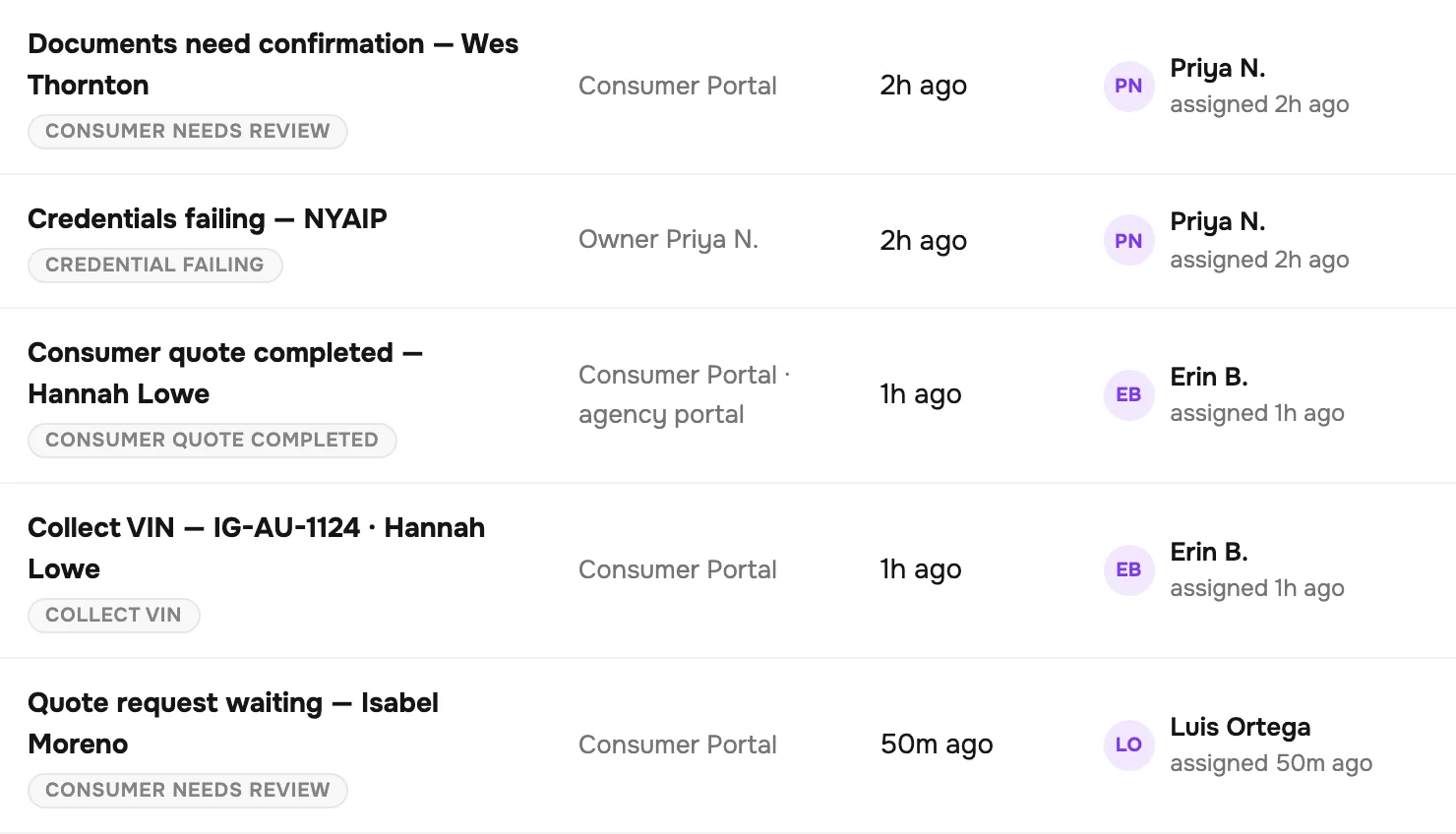
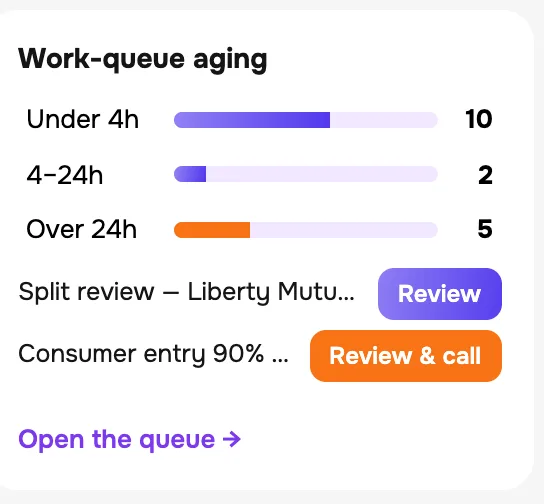
Everything that needs a person, in one list, oldest first: a lead nobody has picked up, a document waiting for a second look, a carrier login that stopped working, a customer who finished a quote online and is waiting for a call.
Each row says how long it has waited and who has it.




Leads and routing
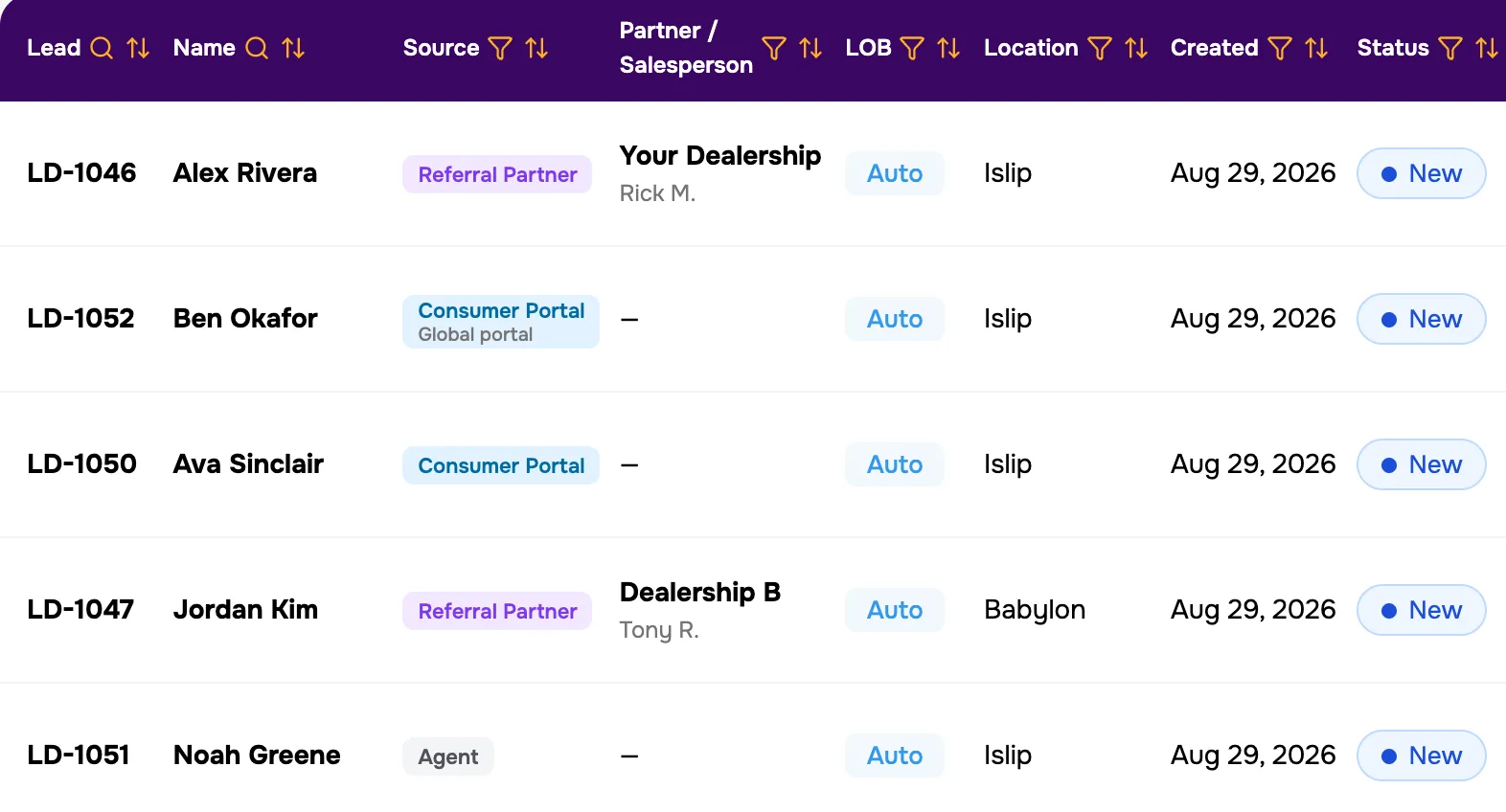
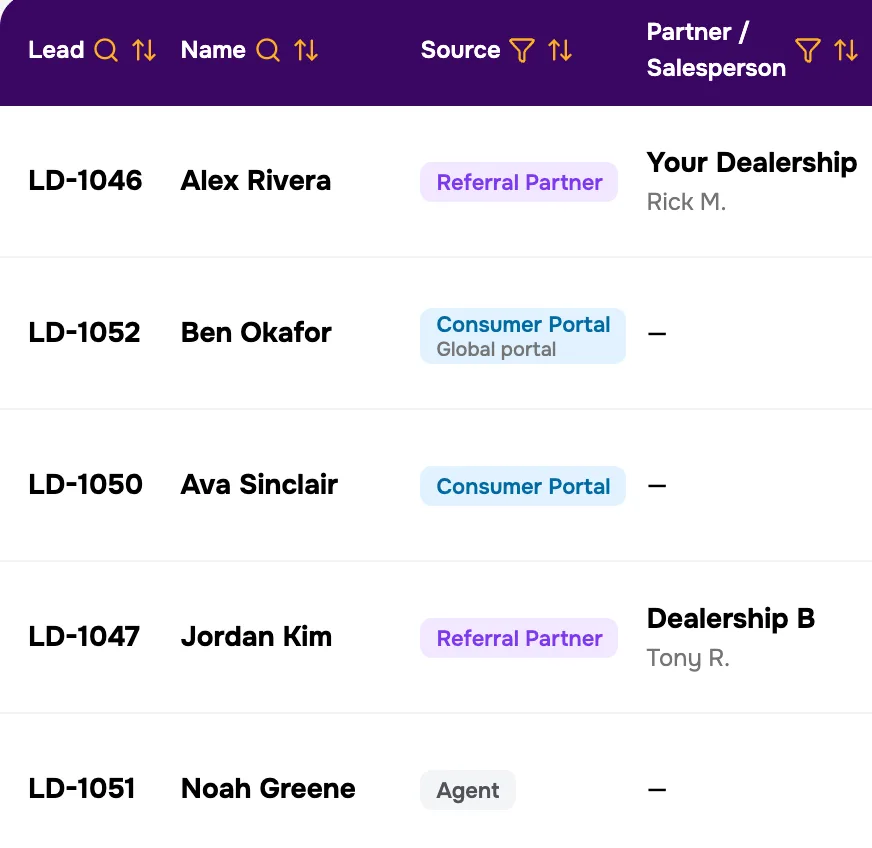
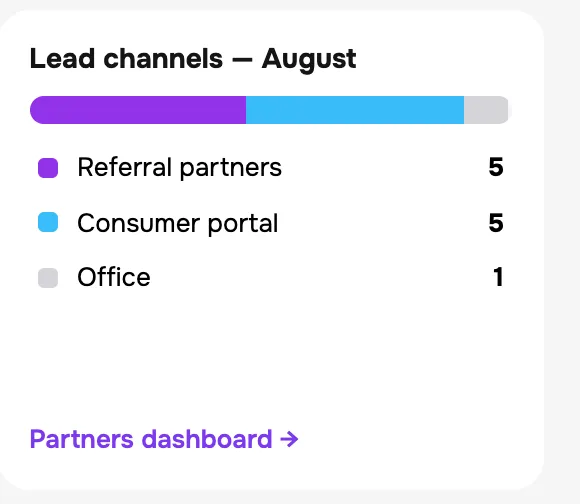
Every lead keeps where it came from: your own quote page, a referral partner and the salesperson who sent it, or an agent's own entry.
A partner's leads go to the agent who brought that partner in, up to a daily cap you set. Past the cap they wait in the queue for whoever is free.
Your own quote page
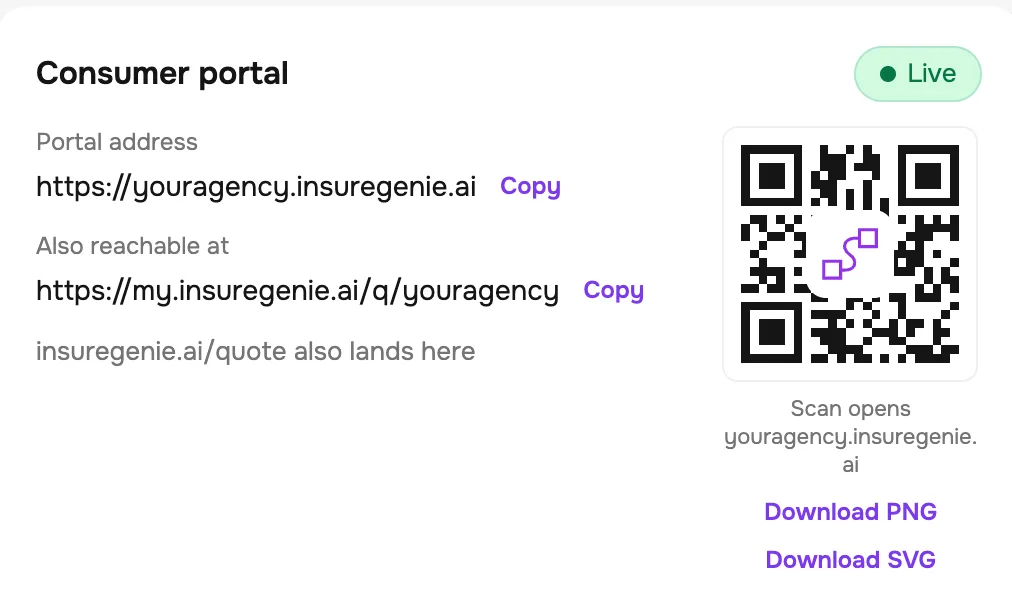
Your agency gets its own quote page and QR code. The product calls it the Consumer portal. Each agent gets a link of their own, and a customer who arrives through it goes to that agent.
Referral partners get codes of their own. How partner intake works
Carriers and logins
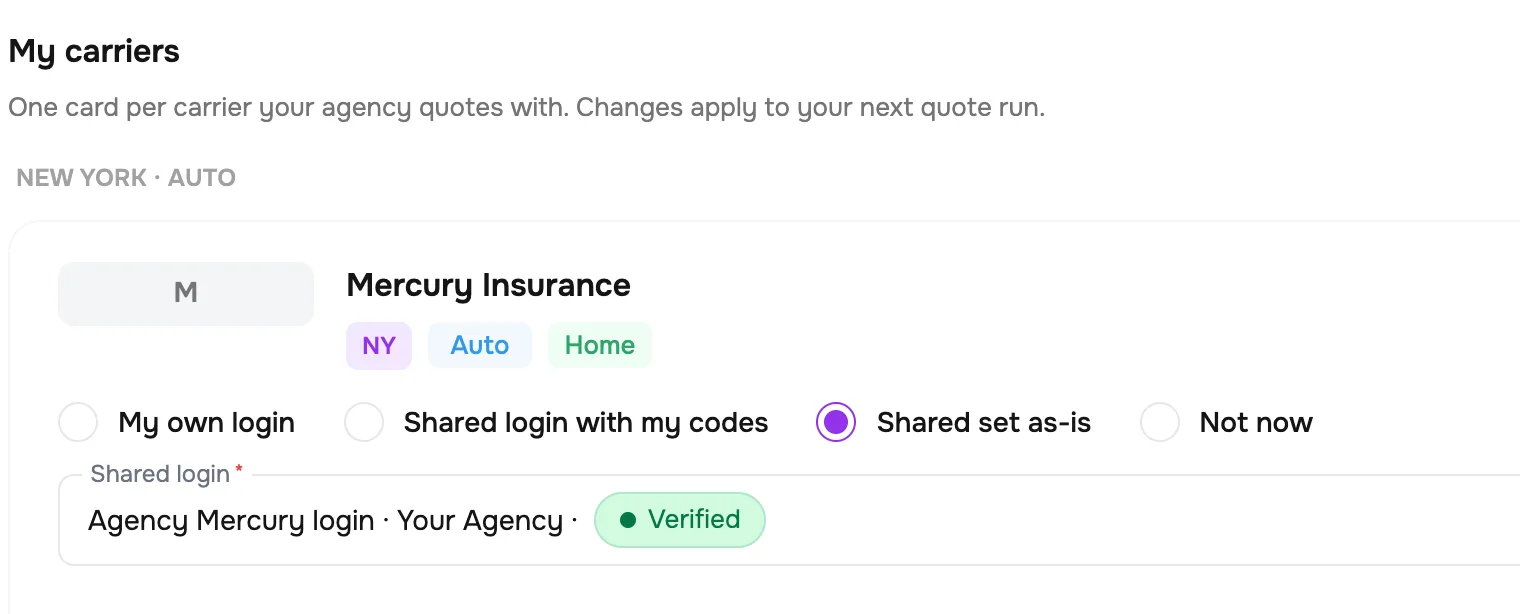
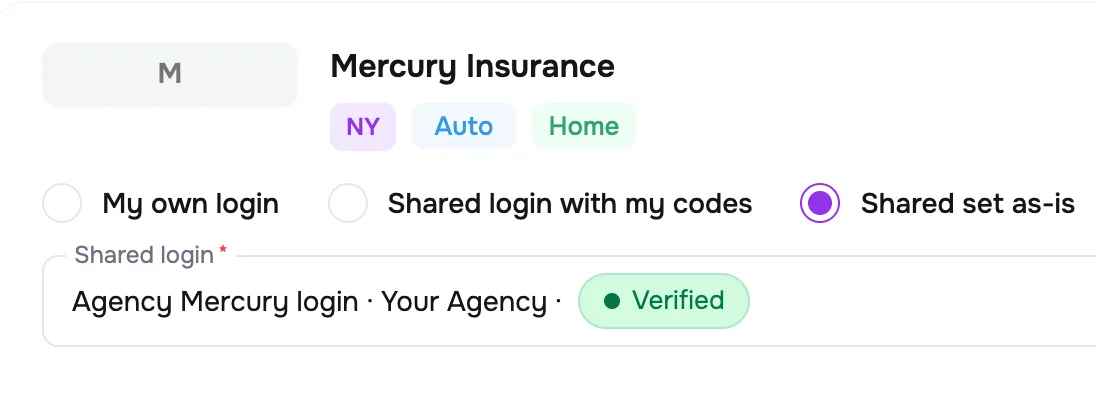
One card for each carrier you quote with. An agent runs it on their own login, on a shared agency login, or on one a colleague shares.
Each login shows whether it has been verified. When one starts failing, the people you name are told.
Your team
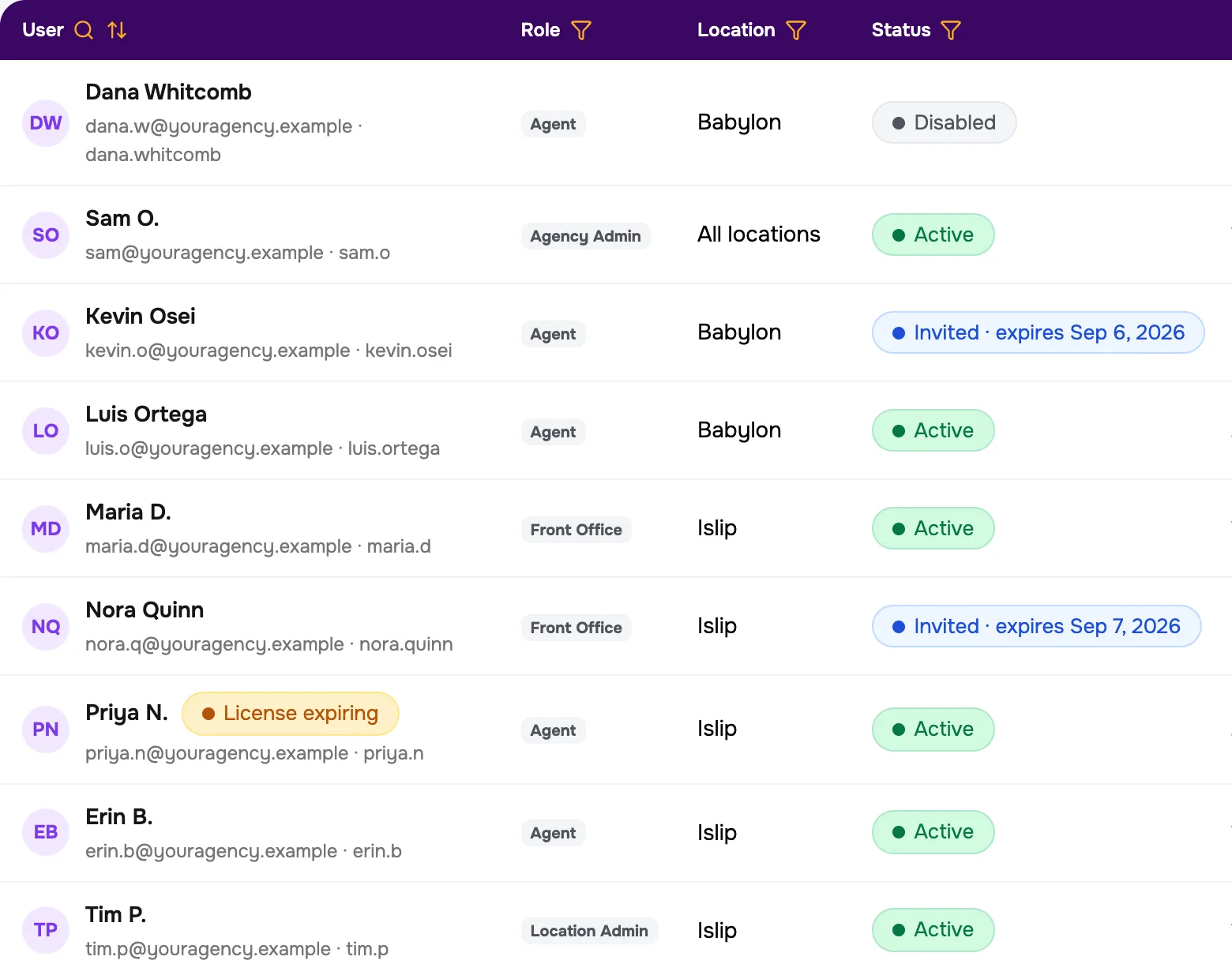
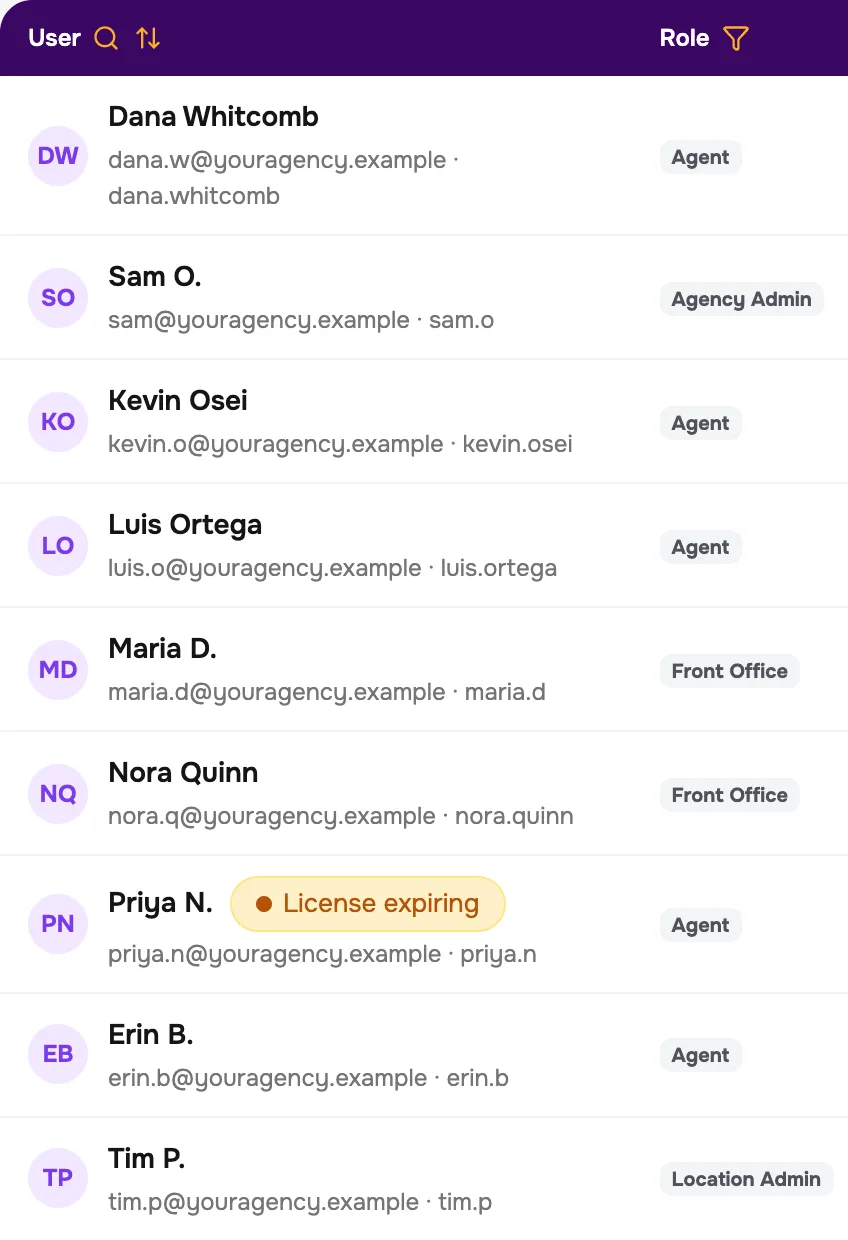
Four roles: agency admin, location admin, agent and front office. Front office can take a lead and add documents. Approving a quote and recording a bound policy stay with agents and admins.
Run one office or several.
HawkSoft
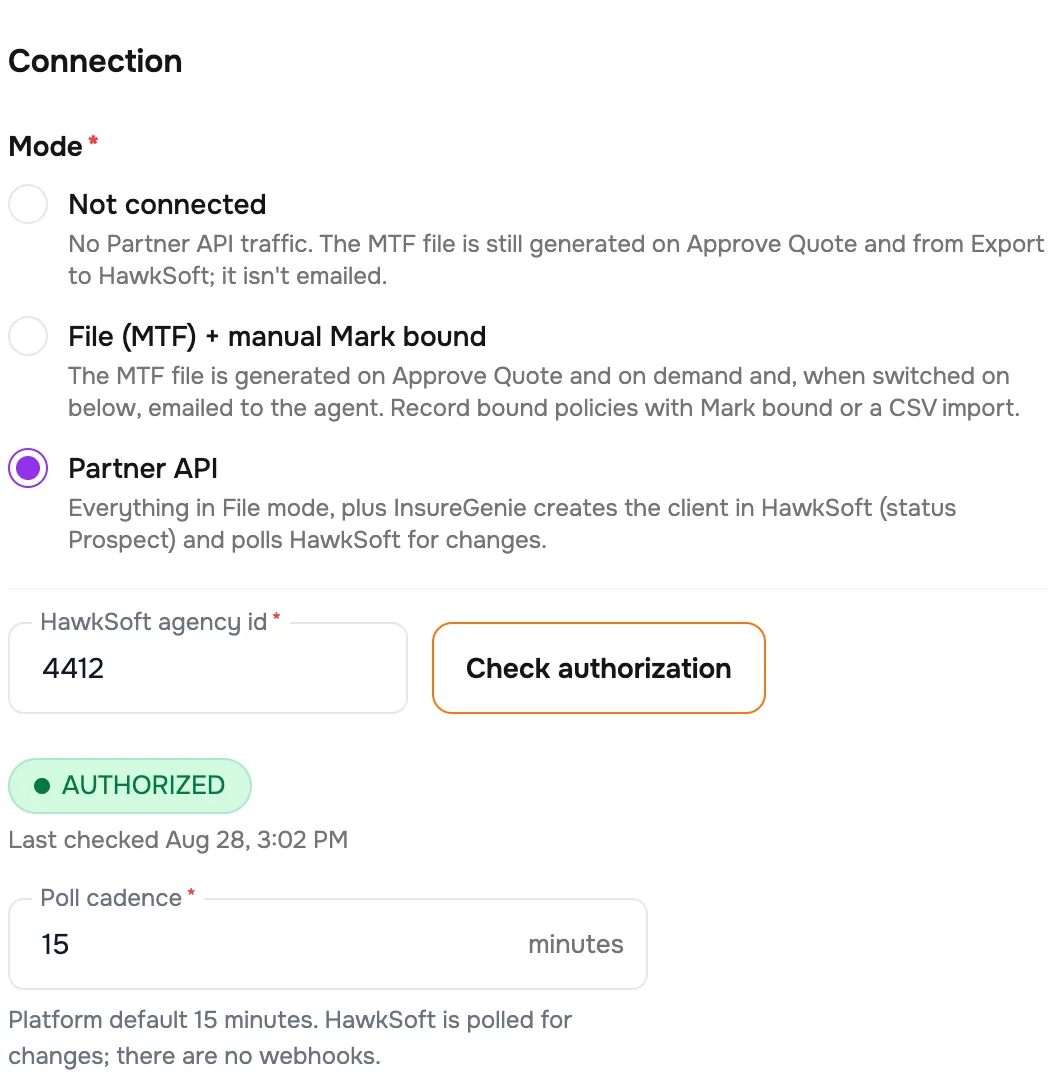
Two ways to connect. With the file, InsureGenie writes the HawkSoft import file when you approve a quote, and can email it to the agent.
With the HawkSoft Partner API, it also creates the client in HawkSoft as a prospect and checks HawkSoft for changes every fifteen minutes.
Either way, you can bring your existing book in from a HawkSoft export.
The dashboard
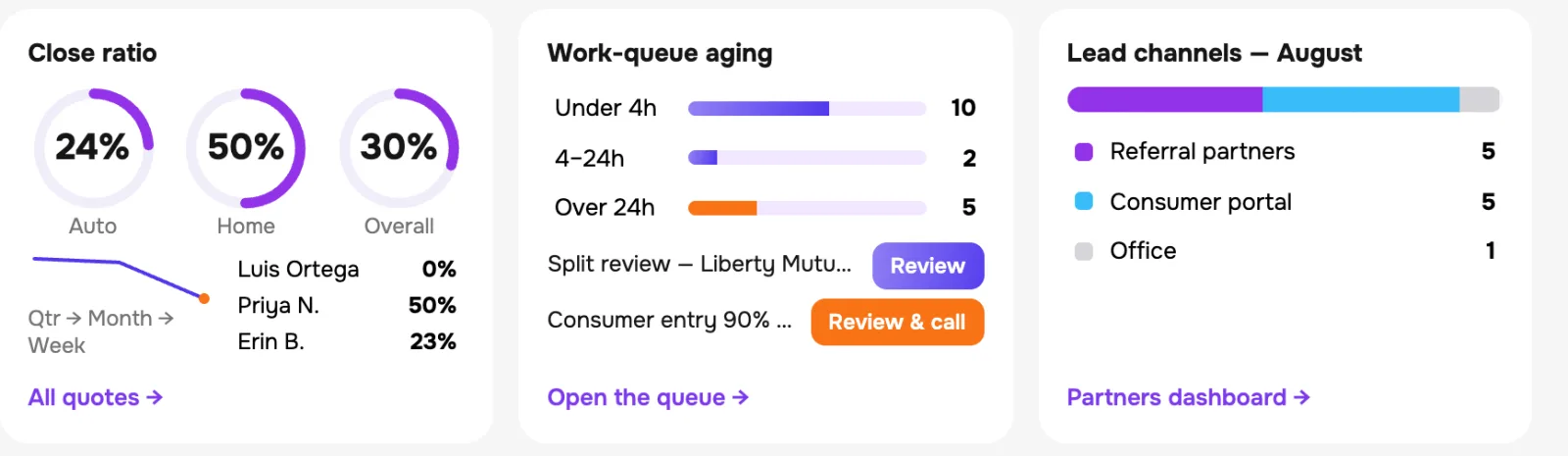
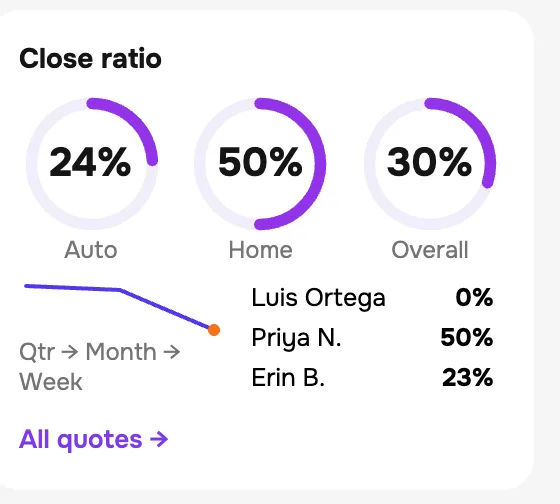
Close ratio by line, how long the queue has been waiting, and where this month's leads came from.
See the whole flow with one customer, in thirty minutes.