
What changes in your shop, and what stays yours
For the people who run the agency: the day-to-day difference, what never leaves your hands, and how you get started.
What changes
All four are live in New York today. See them on one quote
At intake
Customers enter their own details on their phone. Nobody retypes a license or a VIN.
On the call
One run across your carriers, not a login per portal. Your agent stays on the phone.
After the quote
What was run, what came back and who approved it are on record, line by line.
On Monday morning
One queue shows what is waiting, for how long, and who has it.
What stays yours
Your carrier logins
Each login belongs to the agent or the agency that added it, and you decide who else may use it.
Your book
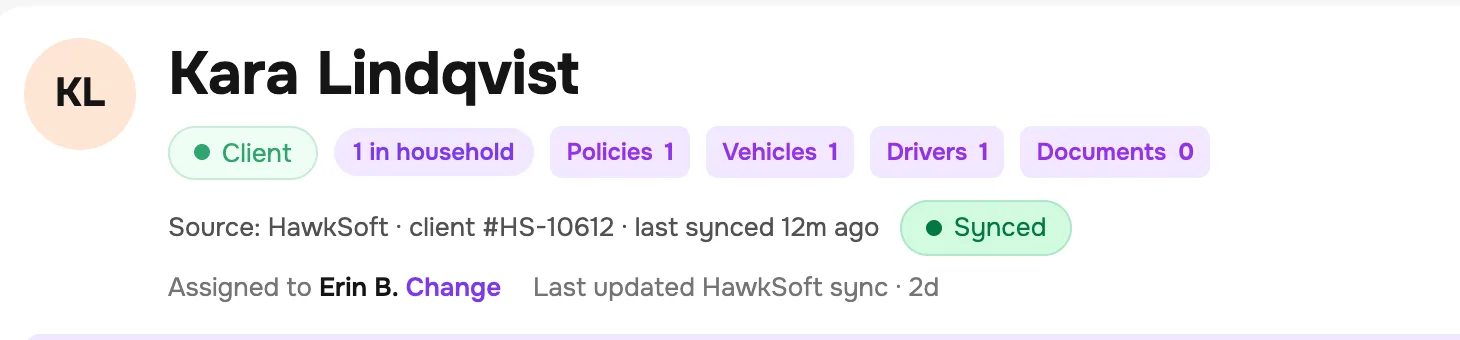
HawkSoft stays your system of record. InsureGenie feeds it and reads from it.
Your customers
A customer who arrives through one of your agents' links goes to that agent.
Your name
Your quote page and your partners' forms carry your agency's name.
Getting started
The agency
Name, offices, and the states and lines you write. Today that is New York, personal auto and homeowners.
Carriers
Add a login for each carrier you quote with. Today that includes Progressive, Liberty Mutual, Mercury, Utica National and Travelers, alongside the New York assigned-risk plan. Each one is verified before your first quote.
People
Invite your agents and front-office staff, and give each one a role.
Clients
Import them from a HawkSoft export, or connect the HawkSoft Partner API.
First quotes
We stay close while your people run them.
Who can do what
| Role | What they can do |
|---|---|
| Agency admin | Everything, including carrier logins, sharing, partners and billing. |
| Location admin | Runs one office: its agents, its leads and its queue. |
| Agent | Quotes, approves, and records bound policies, on their own logins or shared ones. |
| Front office | Takes leads and adds documents. Cannot approve a quote or record a bound policy. |
What it costs depends on the size of your team. You get the number in the walkthrough. See the platform, part by part
Bring your questions about your carriers, your team and your systems.